Skip to content

Your workout is just a text file.

Write it in markdown, keep it in iCloud Drive where it stays yours, and Simply Train runs you through it set by set: a workout timer that takes its rest timers, its intervals and its whole plan from the file you wrote.

New Workout.md — in your iCloud Drive
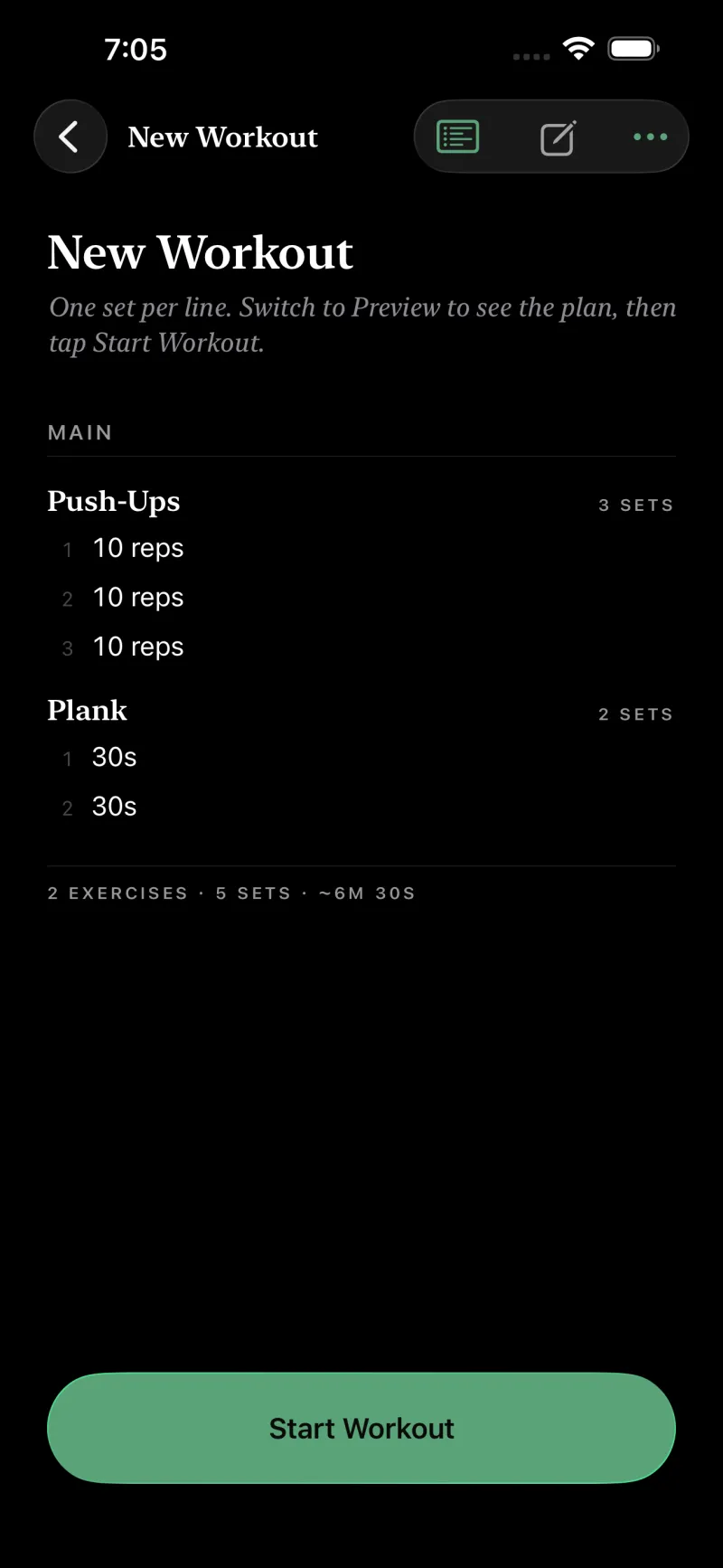
# New Workout@units: kg@rest: 60s One set per line. Switch to Preview to see the plan, then tap Start Workout. ## Main ### Push-Ups- x 10- x 10- x 10 ### Plank- 30s- 30s
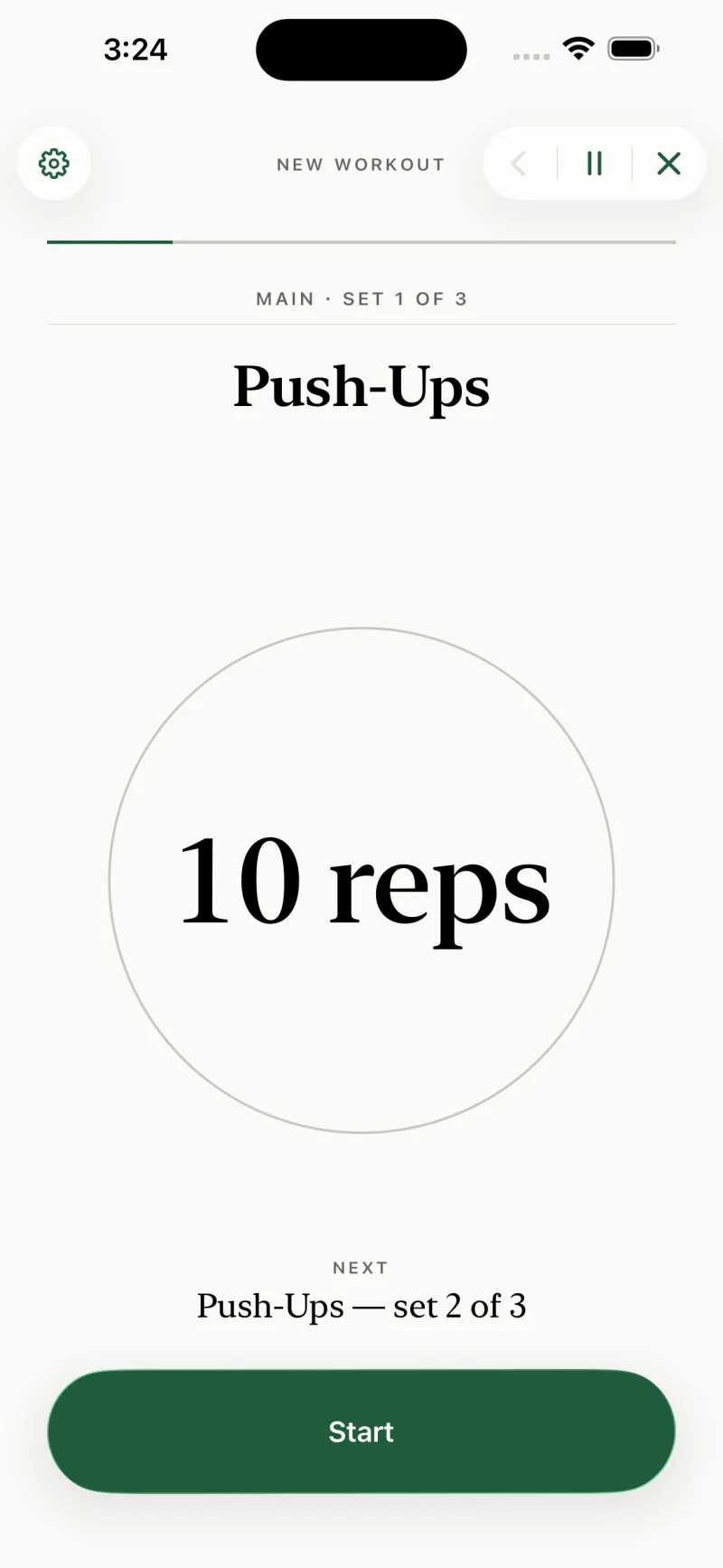
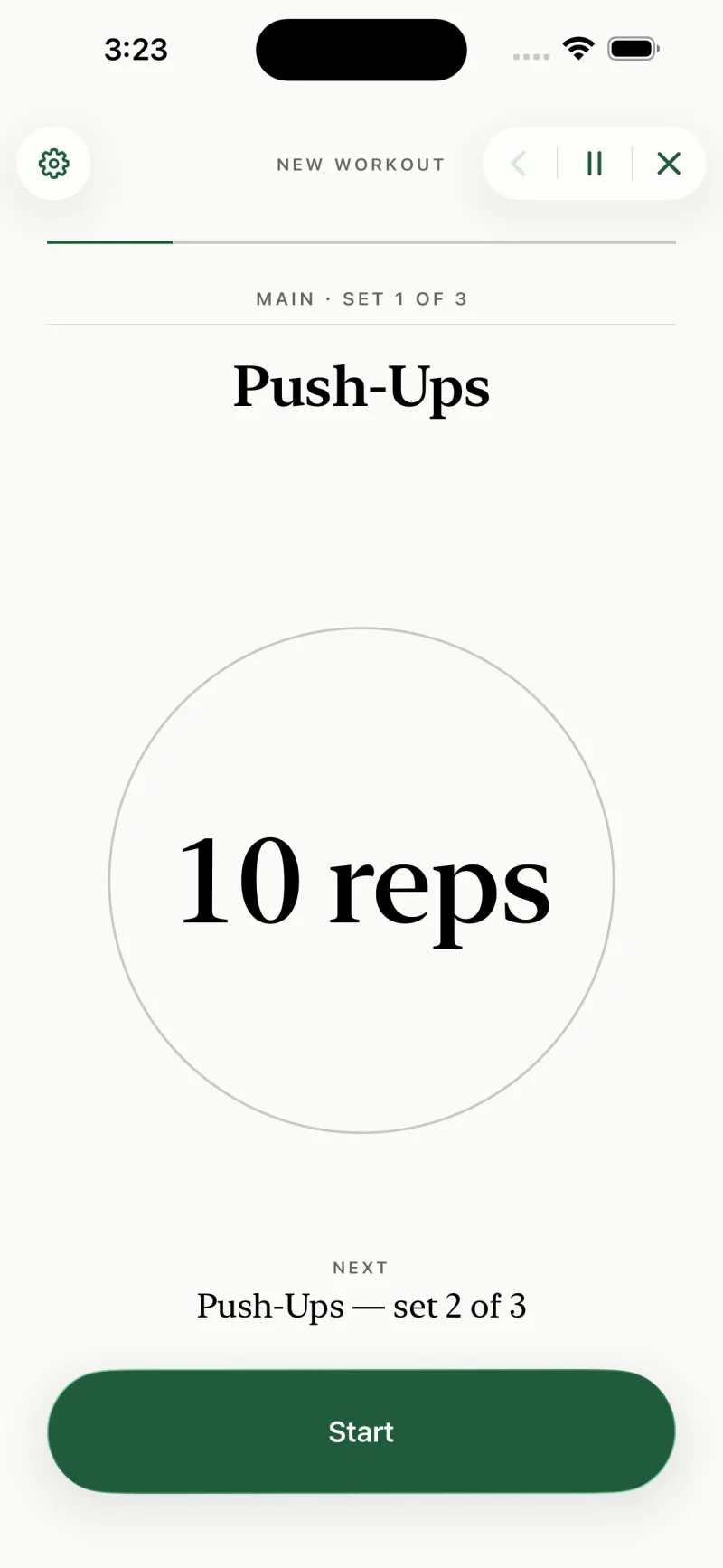
The Simply Train player showing the exercise Push-Ups, the running head MAIN · SET 1 OF 3, and the target 10 reps set very large in a serif face, above a green Next button.The Simply Train player showing the exercise Push-Ups, the running head MAIN · SET 1 OF 3, and the target 10 reps set very large in a serif face, above a green Next button.
And what the marked line does — set 1 of 3
Download Simply Train on the App StoreDownload Simply Train on the App Store

Built for iPhone and Watch · iPad · Mac

The rest timer is a line in the file


The top of the same file
# New Workout@units: kg@rest: 60s

@rest: 60s at the top of the file is the entire rest configuration: sixty seconds between every set, unless a set line says otherwise. Put @rest: 90s on one set and that set gets ninety.

For the sets you can’t put a clock on, there is @rest: open. The timer counts up instead of down and the session simply waits until you say you’re ready. Load the bar as heavy as you like.

Upper Body A.md
### Goblet Squat@rest: open- 12 kg x 10- 12 kg x 10
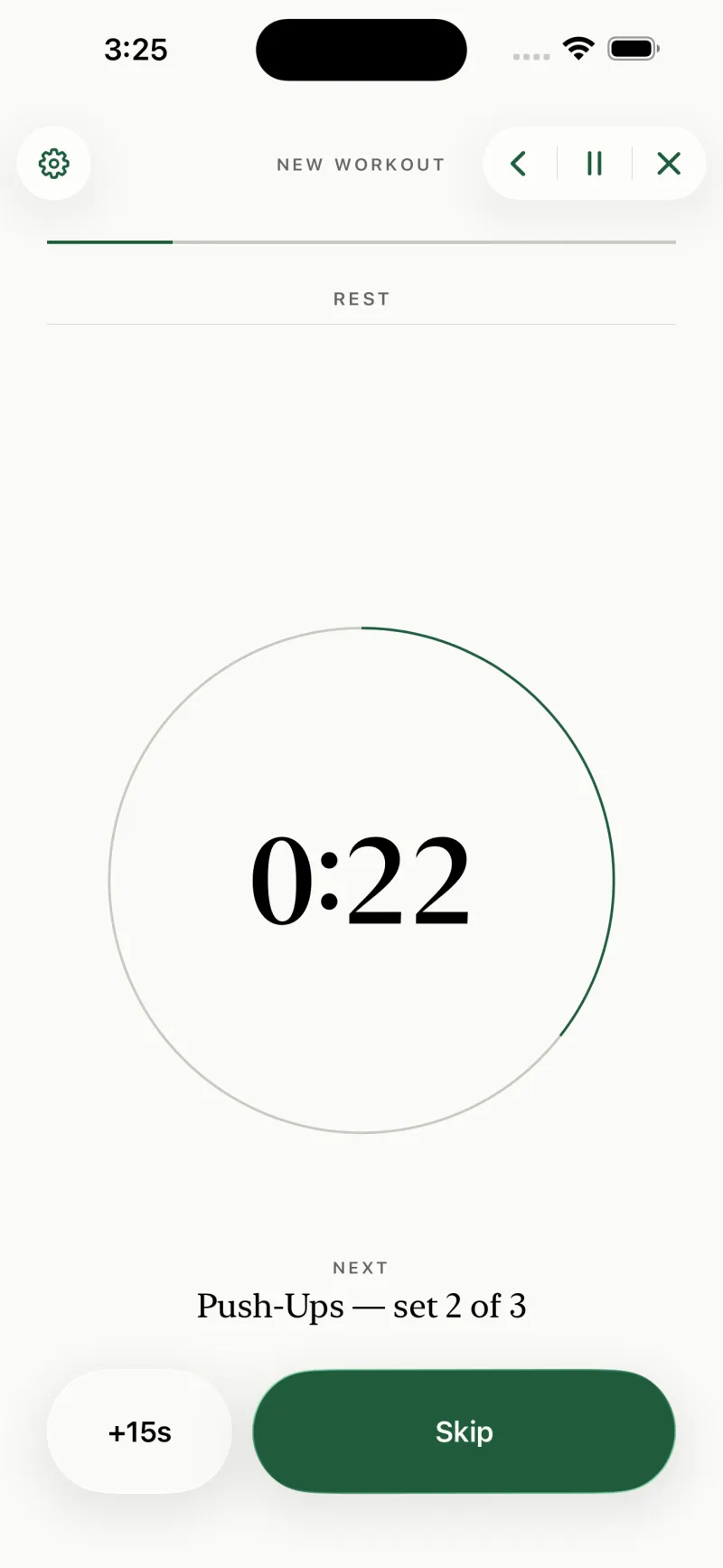
The player resting: a green countdown arc reading 0:22, the label REST above it, and NEXT — Push-Ups, set 2 of 3 beneath, with +15s and Skip buttons.The player resting: a green countdown arc reading 0:22, the label REST above it, and NEXT — Push-Ups, set 2 of 3 beneath, with +15s and Skip buttons.
Twenty-two seconds left of that sixty
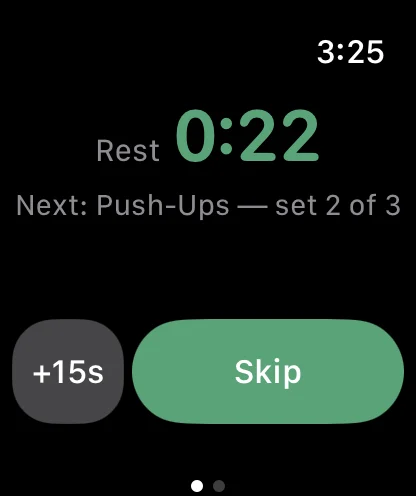
The same rest on Apple Watch at the same moment: Rest 0:22, Next Push-Ups set 2 of 3, and the same +15s and Skip controls.The same rest on Apple Watch at the same moment: Rest 0:22, Next Push-Ups set 2 of 3, and the same +15s and Skip controls.
And the same twenty-two on your wrist

The interval timer runs the set, not the reps


Further down that file
### Plank- 30s- 30s

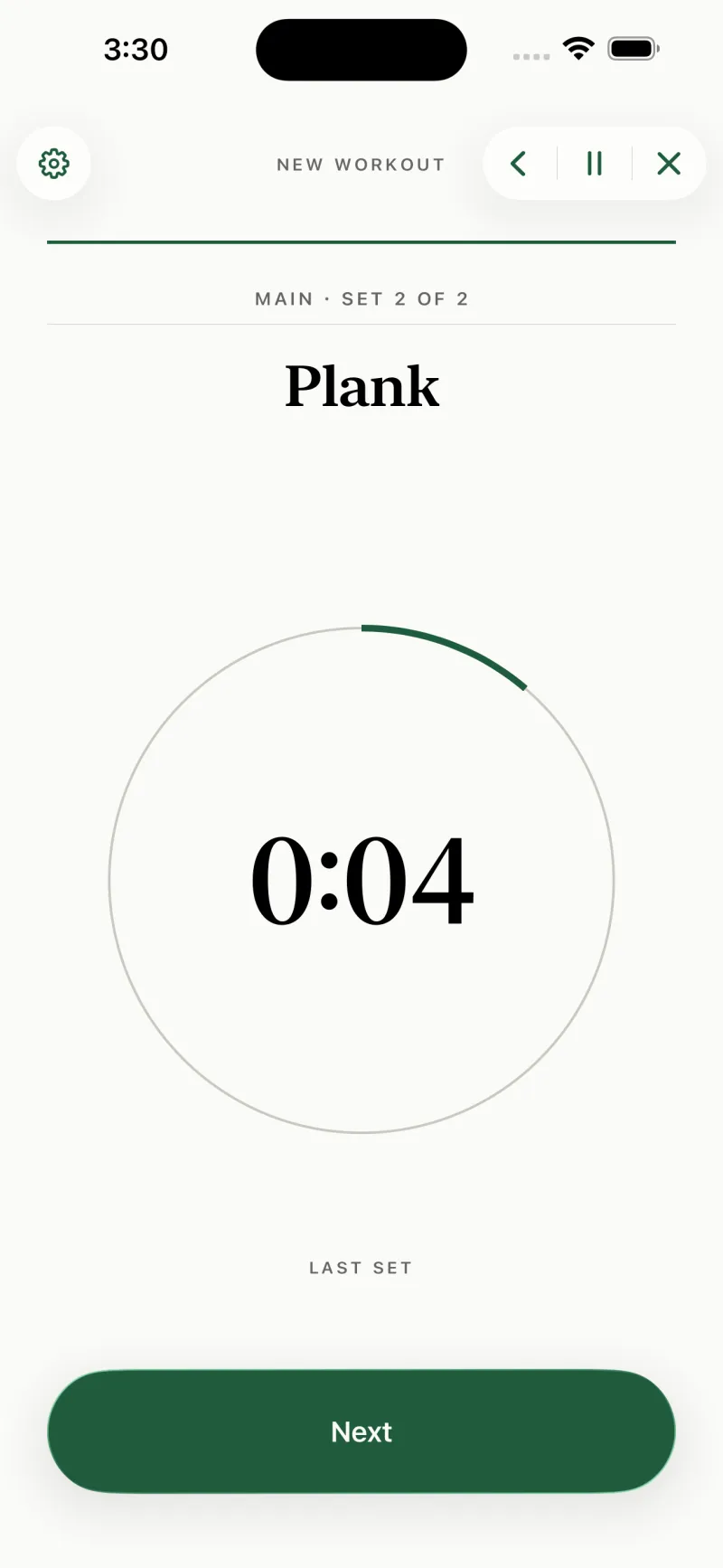
Write - 30s and the set becomes a countdown. Three seconds of get-ready come first, so a plank doesn’t start while you’re still lowering into it, then haptics at ten seconds and again at three, two, one.

The timers are wall-clock, not tick counters, so locking the screen or taking a call doesn’t drift them. If music is playing, the cue ducks it and hands it straight back — it never stops your audio.

The player running a timed set: the exercise Plank, MAIN · SET 2 OF 2, and a thick green ring most of the way round a countdown reading 0:23.The player running a timed set: the exercise Plank, MAIN · SET 2 OF 2, and a thick green ring most of the way round a countdown reading 0:23.
The second of the two planks, mid-count

And then it is over


New Workout.md — every set line marked
# New Workout@units: kg@rest: 60s One set per line. Switch to Preview to see the plan, then tap Start Workout. ## Main ### Push-Ups- x 10- x 10- x 10 ### Plank- 30s- 30s

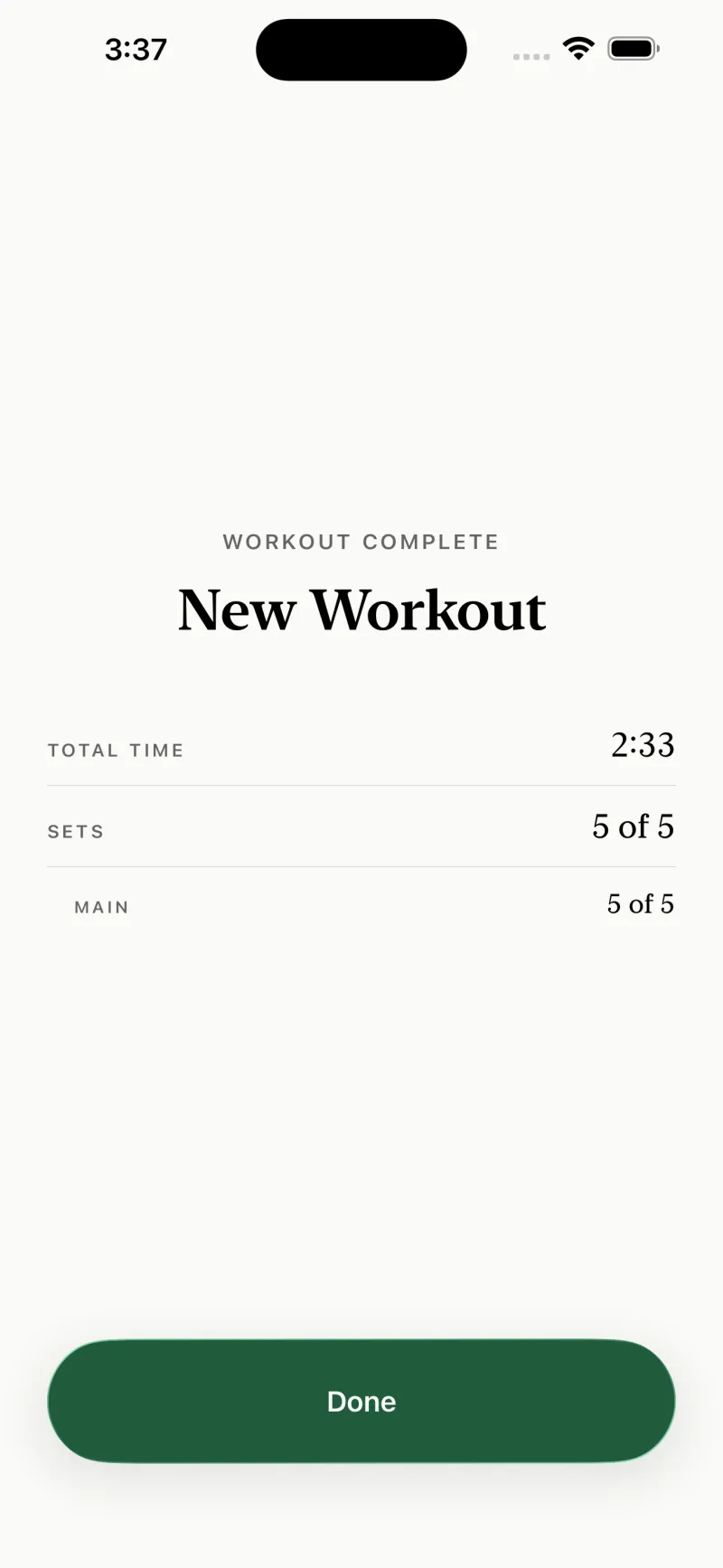
Five set lines in that file. Five sets in the summary. Count them.

Tap Done and the session is gone. No history, no chart, no streak to keep alive, nothing written to Health — not from the phone and not from the watch. Whatever you wear already measured the workout; this app’s only job was to get you through it.

The summary screen: WORKOUT COMPLETE above the title New Workout, then three ruled rows reading total time 8:56, sets 5 of 5, and Main 5 of 5, above a green Done button.The summary screen: WORKOUT COMPLETE above the title New Workout, then three ruled rows reading total time 8:56, sets 5 of 5, and Main 5 of 5, above a green Done button.
Shown once, then discarded

Every form a set can take


That is the whole syntax. One line is one set, and the line says what kind of set it is. Anything the parser doesn’t recognise as a set — prose, bold, links, headings you added for your own sake — it leaves alone.

- x 12
twelve reps, bodyweight
- 100 kg x 5
five reps at a hundred kilos
- 60s
a timed set — the app counts it down
- 1m30s
the same, written the short way
- x 8-12
a target range
- x AMRAP
as many as you have
- 45 lbs x 60s
a loaded hold
- 200 meters
a distance
- 60s per leg
run twice, left then right
- x 12 @rest: 90s
and rest ninety seconds after it
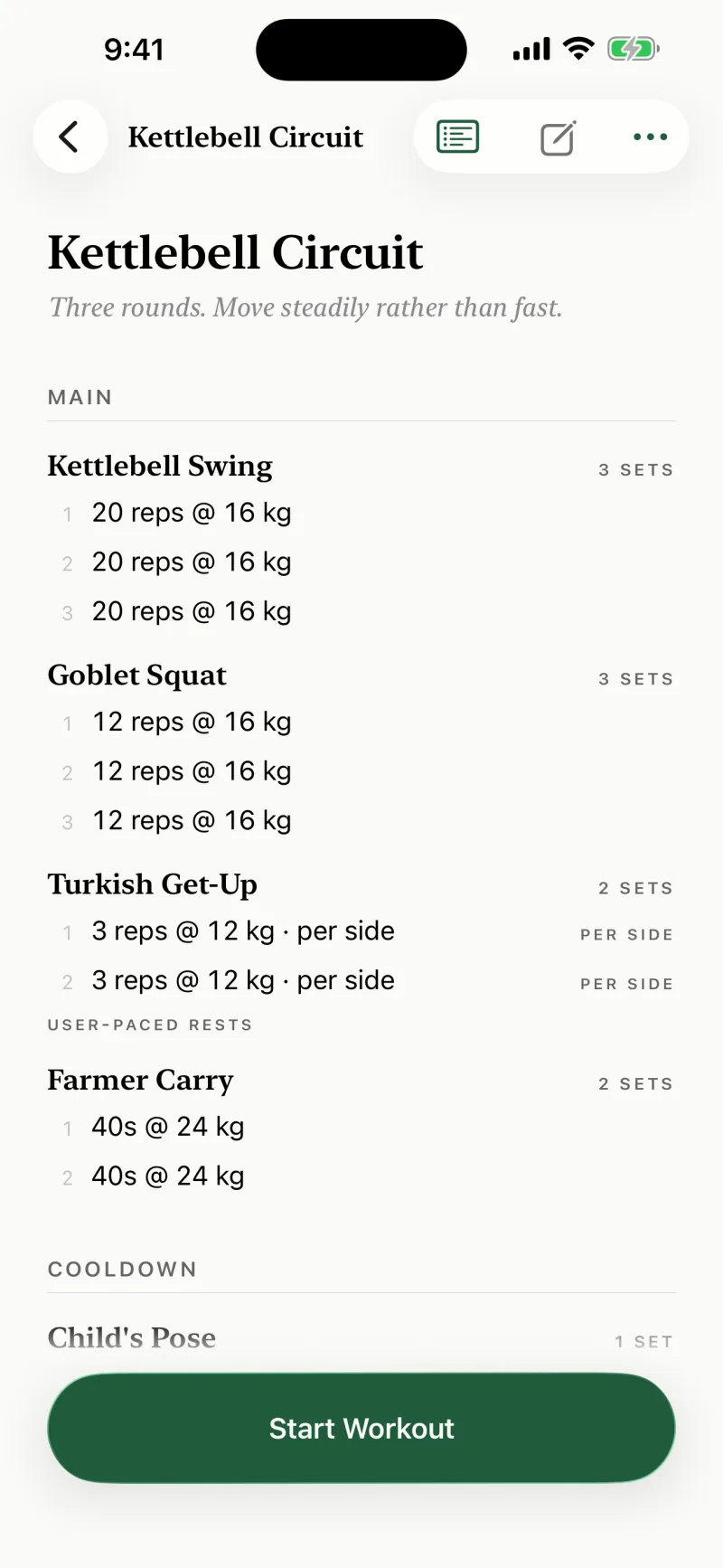
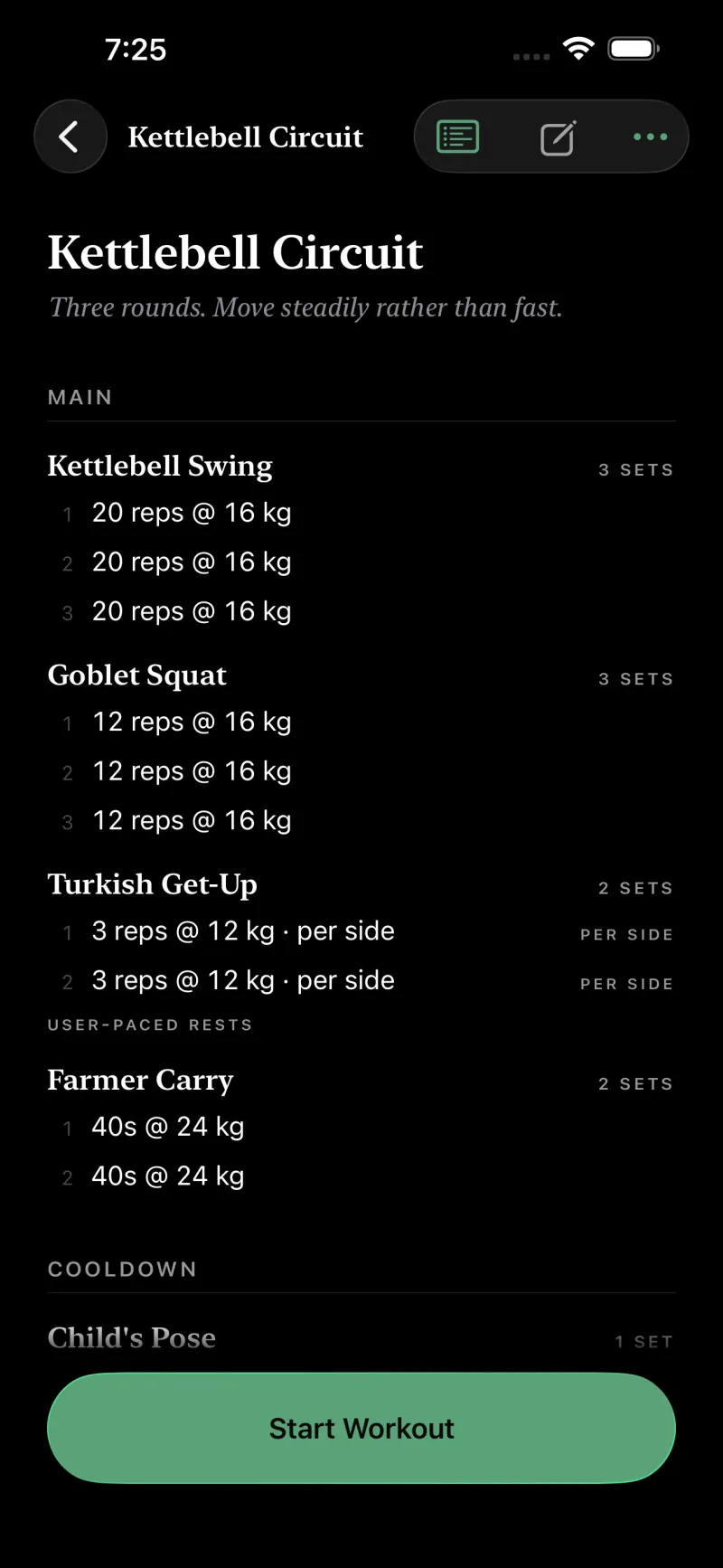
A richer plan rendered by the app: kettlebell swings and goblet squats with their weights, a Turkish get-up marked per side, a timed farmer carry, a user-paced rests marker, and a cooldown section.A richer plan rendered by the app: kettlebell swings and goblet squats with their weights, a Turkish get-up marked per side, a timed farmer carry, a user-paced rests marker, and a cooldown section.
Weights, per-side, timed, user-paced — all of it from set lines

It reads the plan back to you


Switch to Preview and the file becomes the plan it compiles to — sections, a block per exercise, every set counted out with the rest that follows it. Tap any row and the editor jumps to the line that produced it.

Upper Body A.md
# Upper Body A@tags: strength, push@units: kg@rest: 60s@exercise-rest: 90s Quick session focused on push strength. Keep core tight throughout. ## Warmup ### Arm Circles- 20- 20 ### Jumping Jacks- 60s ## Main ### Push-Ups- x 12- x 12- x 12 @rest: 90s ### Sit-Ups@rest: 45s- x 20- x 20- x 20 ### Goblet Squat@rest: open- 12 kg x 10- 12 kg x 10- 12 kg x 10
The rendered plan for Upper Body A: sections Warmup and Main set as small-caps headings over hairline rules, each exercise listing its sets as numbered rows such as 12 reps and 10 reps at 12 kg.The rendered plan for Upper Body A: sections Warmup and Main set as small-caps headings over hairline rules, each exercise listing its sets as numbered rows such as 12 reps and 10 reps at 12 kg.
The same file, read back as a plan

It never silently skips a line


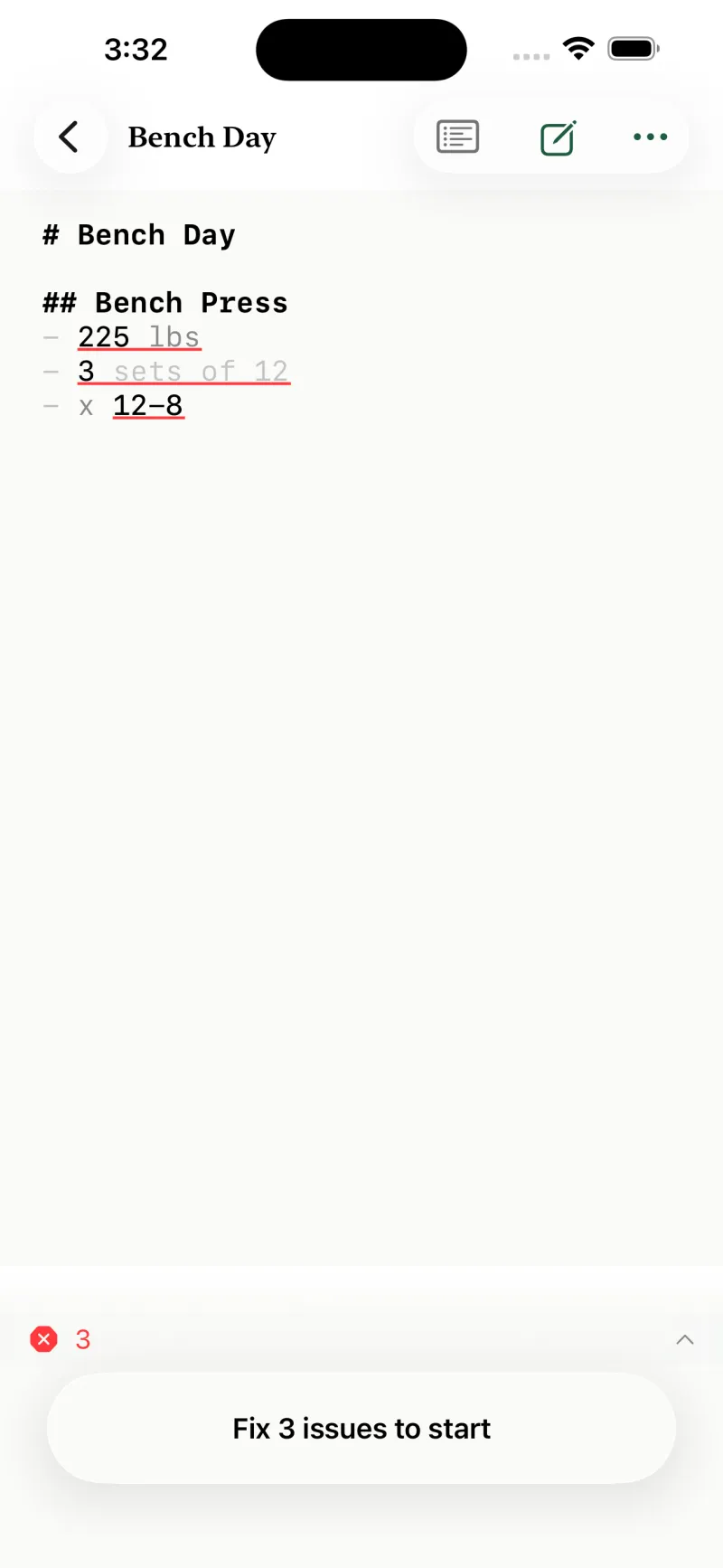
### Bench Press- 225 lbs- 225 lbs x 5

- 225 lbs is not a set. It has a weight and no reps, so the app says so on that line, offers to add the reps for you, and won’t start a session until the file is one it can actually run.

What it will never do is quietly ignore the line and let you discover halfway through that a set went missing. If you meant it as a set, you get told. If you meant it as prose, nothing happens.

The editor with three set lines underlined in red, an error count in the bar beneath, and the start button replaced by the words Fix 3 issues to start.The editor with three set lines underlined in red, an error count in the bar beneath, and the start button replaced by the words Fix 3 issues to start.
Marked on the line, and Start stays shut

Describe it, and it writes the file


On an iPhone that supports Apple Intelligence, you can say what you want in ordinary words and the app writes the markdown for you. Or point at a workout you already have and ask for a change instead: heavier, or one more set on the last exercise.

It runs on Apple’s on-device foundation models. Nothing is sent anywhere because there is nowhere to send it — no key, no account, no server, and the app still makes no network calls of its own. What comes back is a file in the same format you would have typed, so you read every line before you start and rewrite any line you disagree with. On hardware that can’t run the models, the feature simply isn’t there.

What you type

“Upper body. Three exercises, three sets each, forty-five seconds between them.”
And a file is what you get back

Bright daylight, dim garage


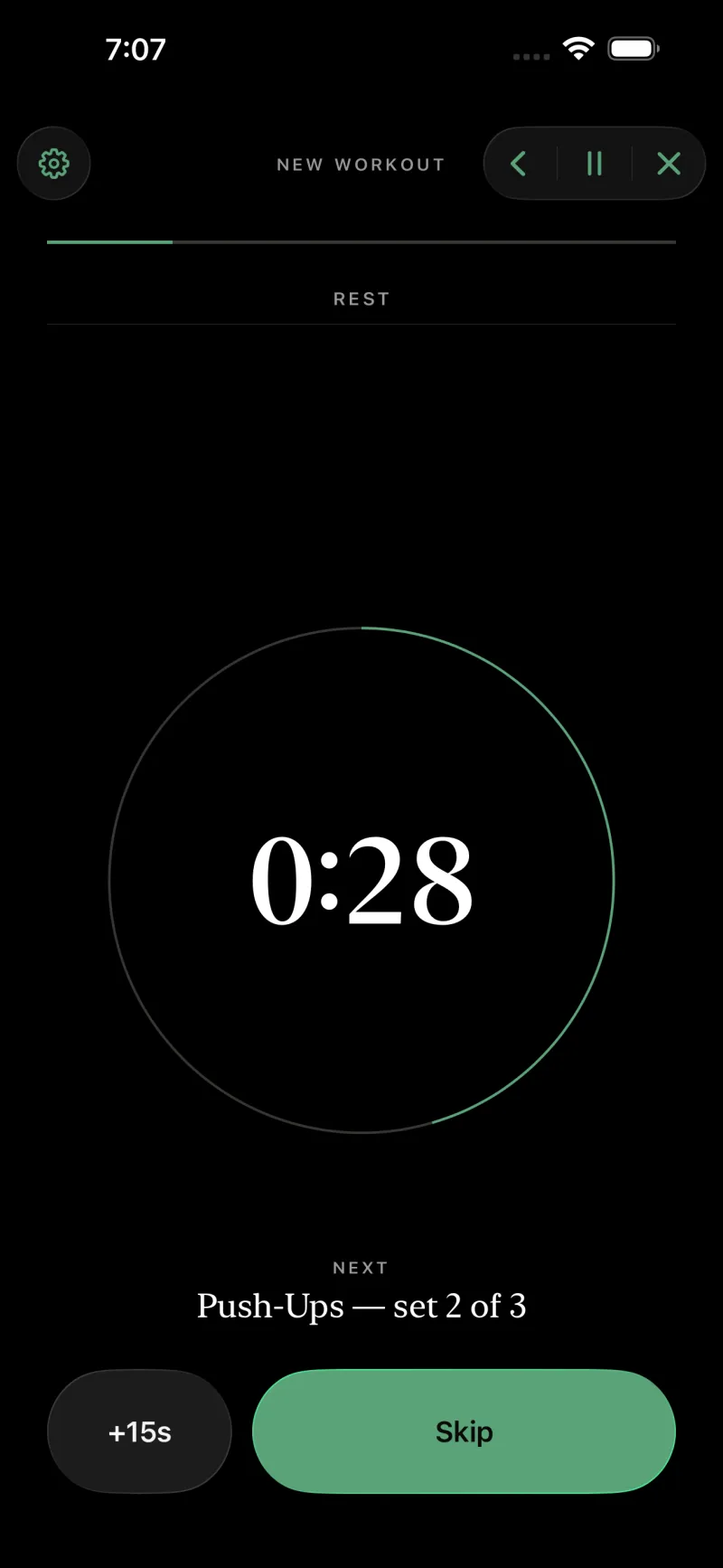
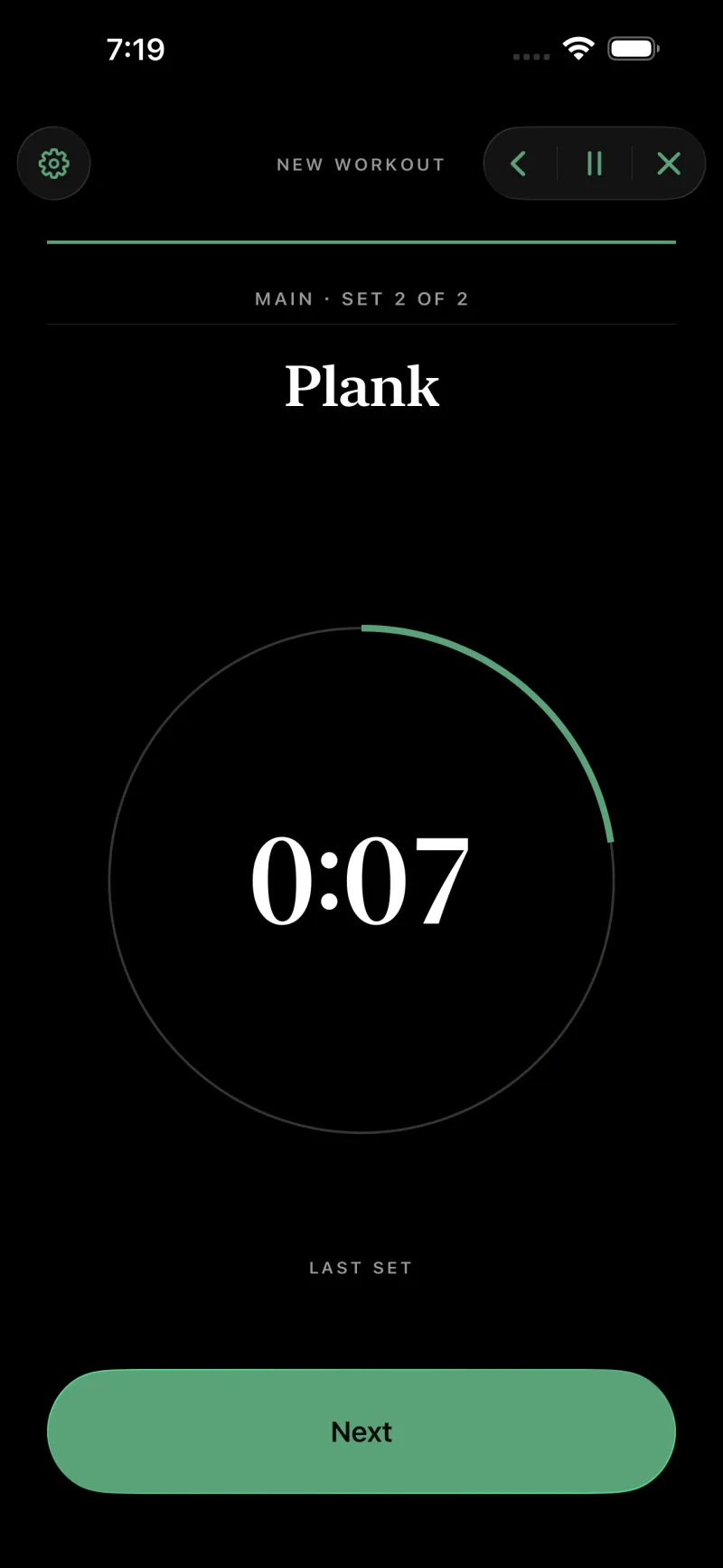
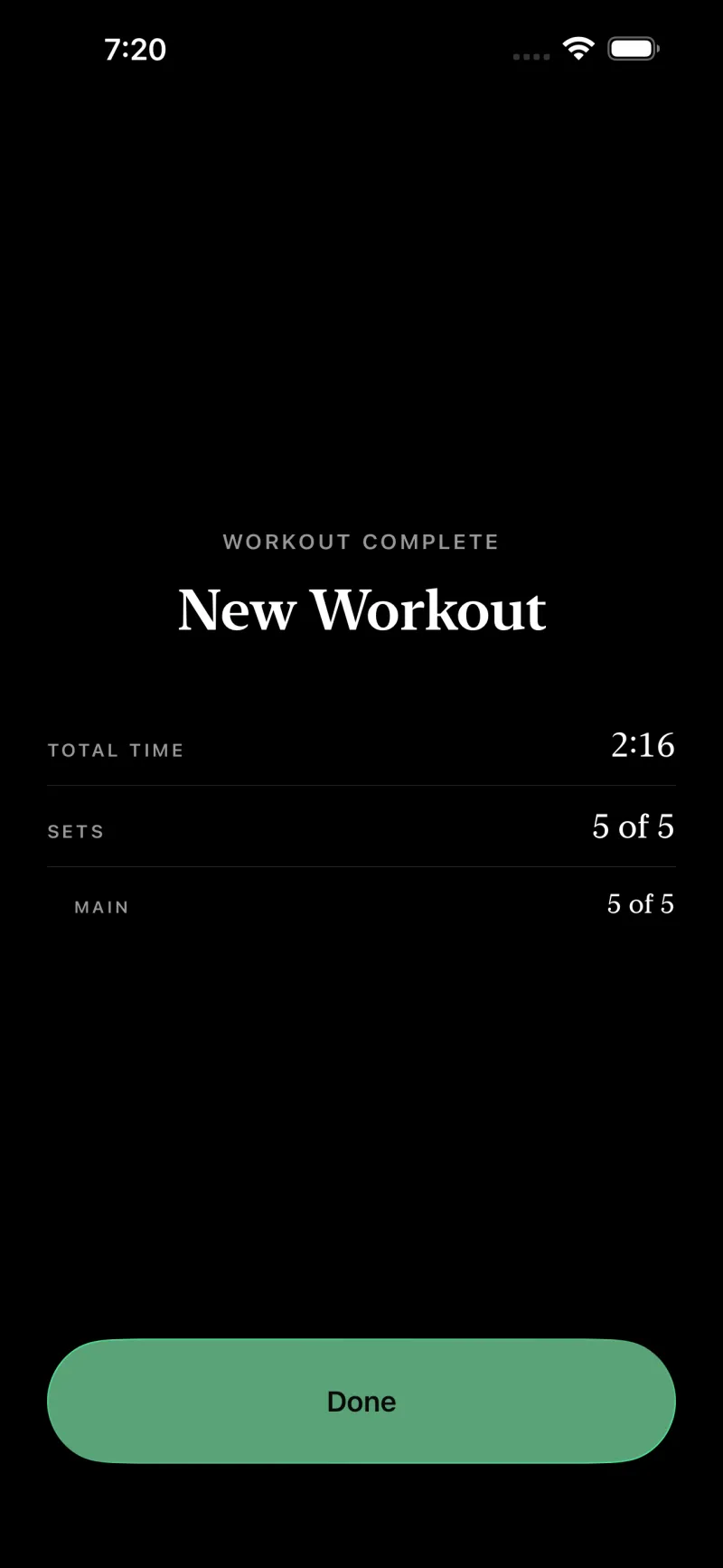
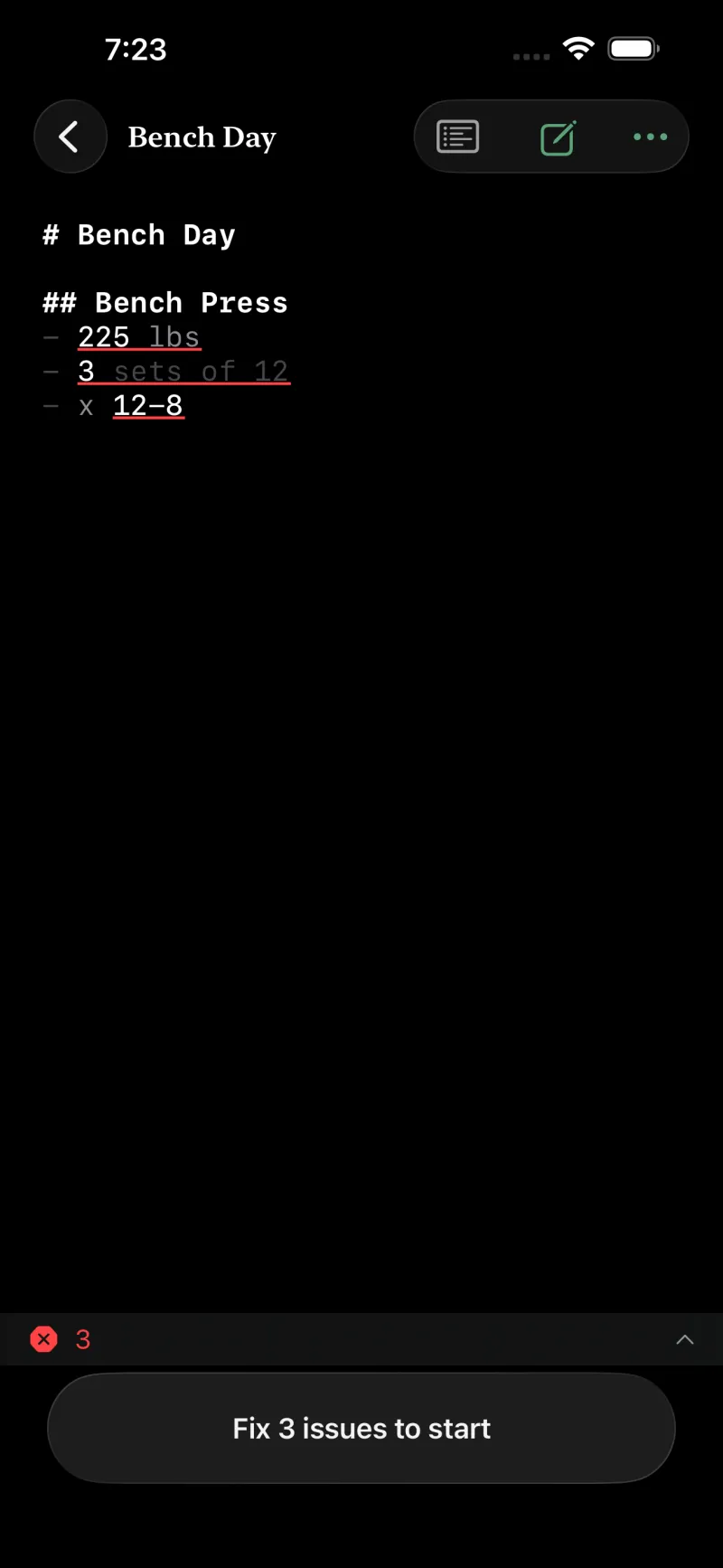
The player is read at arm’s length in the sun and at arm’s length in a badly lit garage, so it is built in both appearances from the ground up and follows whichever one your phone is in.

Everything scales with Dynamic Type, including the big numeral. Every step has a VoiceOver label and rest milestones are announced. And the timing cues are haptic as well as audible, so the whole session works with the phone face-down on the floor beside you — which is where it usually is.

The player in light appearance: black serif type on warm off-white paper, the target inside a hairline ring.
Light
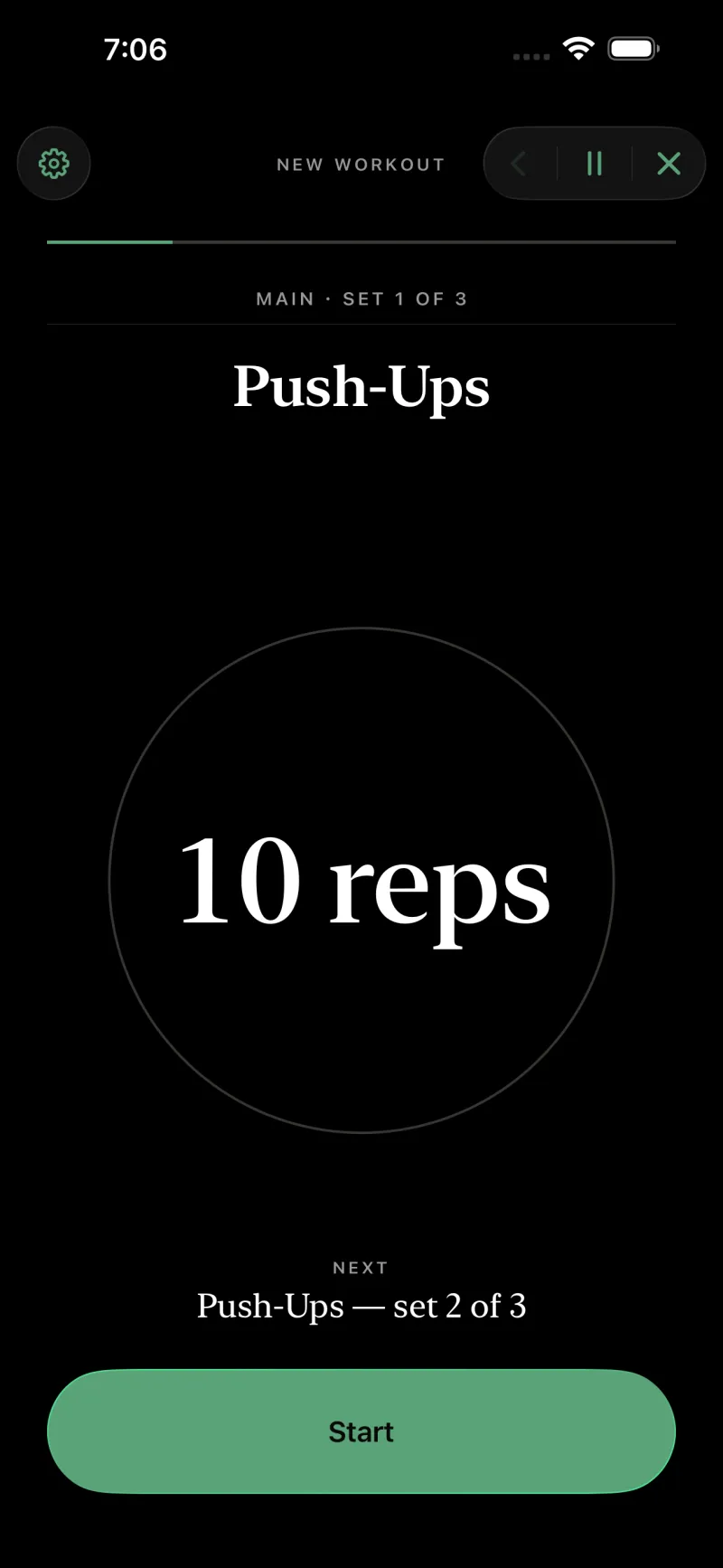
The same player screen in dark appearance: off-white serif type on true black, with a lighter green action.
Dark

One file on iPhone, Apple Watch, iPad and Mac


The files live in the app’s iCloud Documents container, which means they are also just files in the Files app. Write one on the Mac with a real keyboard, edit it on the iPad with the plan open beside it, run it from your phone — or from your wrist.

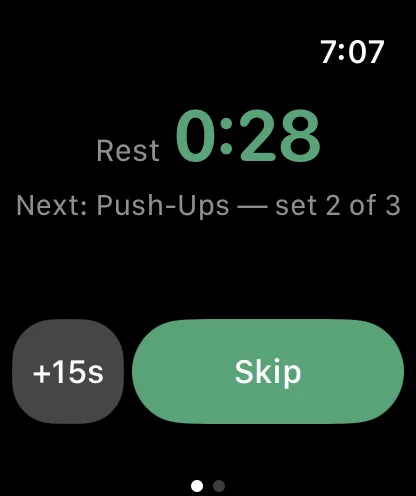
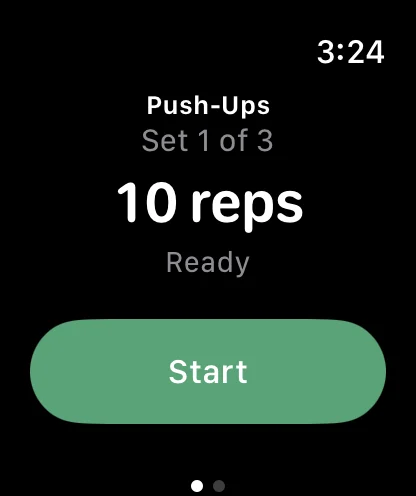
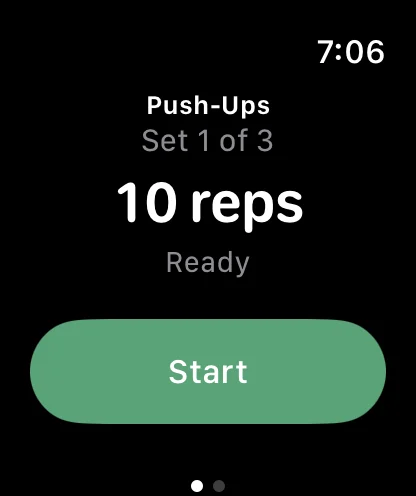
The Watch app is a remote control, not a tracker. It starts, mirrors and steers the session running on your phone: the same target, the same countdown, the same controls, with the haptics delivered wrist-down. It measures nothing, because your watch already does that.

Simply Train on Apple Watch, mirroring the phone: Push-Ups, Set 1 of 3, the target 10 reps, and a green Start button.Simply Train on Apple Watch, mirroring the phone: Push-Ups, Set 1 of 3, the target 10 reps, and a green Start button.
Watch
Simply Train on iPhone, running the same set: Push-Ups, MAIN SET 1 OF 3, and the target 10 reps set large inside a hairline ring.Simply Train on iPhone, running the same set: Push-Ups, MAIN SET 1 OF 3, and the target 10 reps set large inside a hairline ring.
iPhone
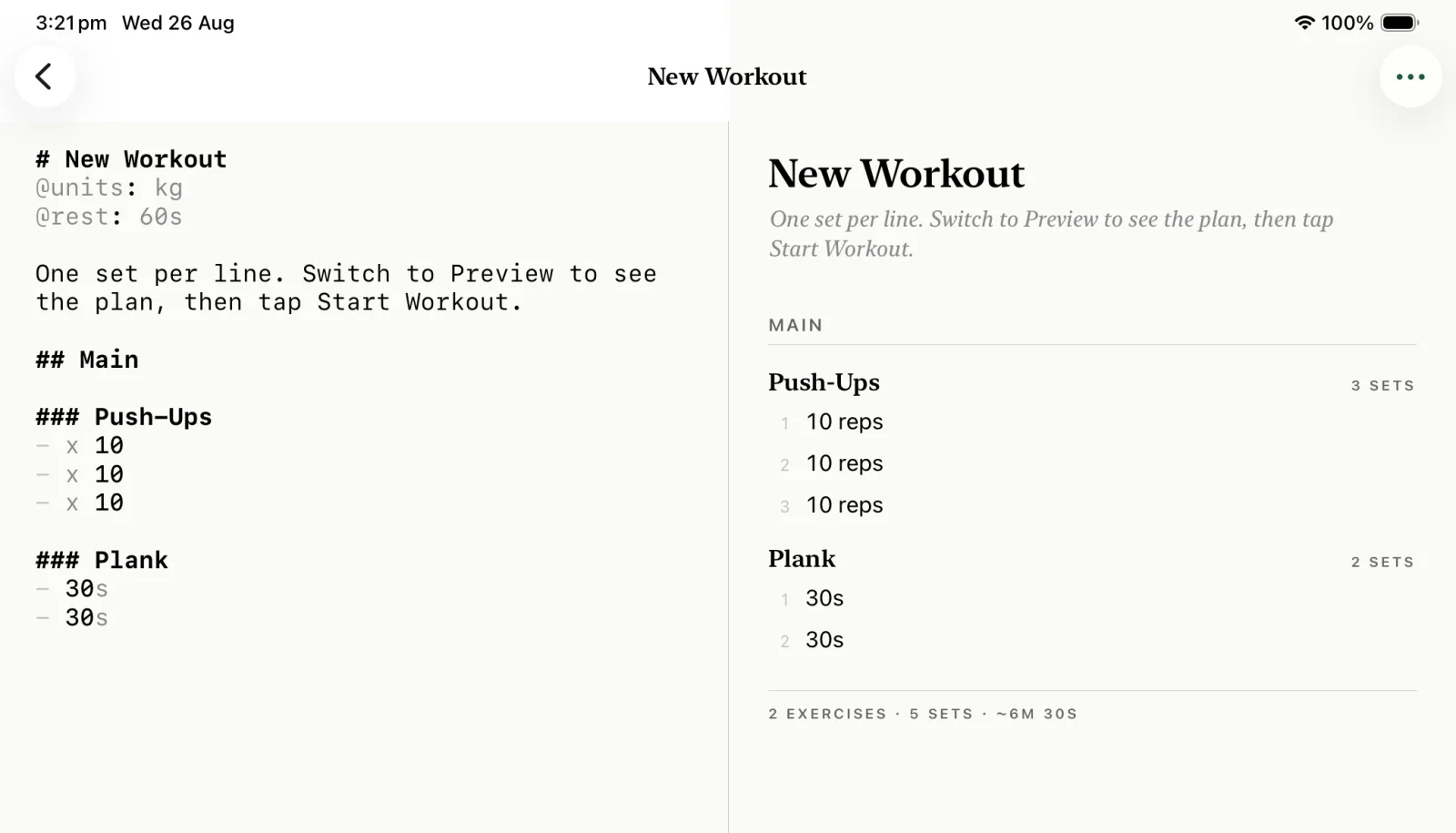
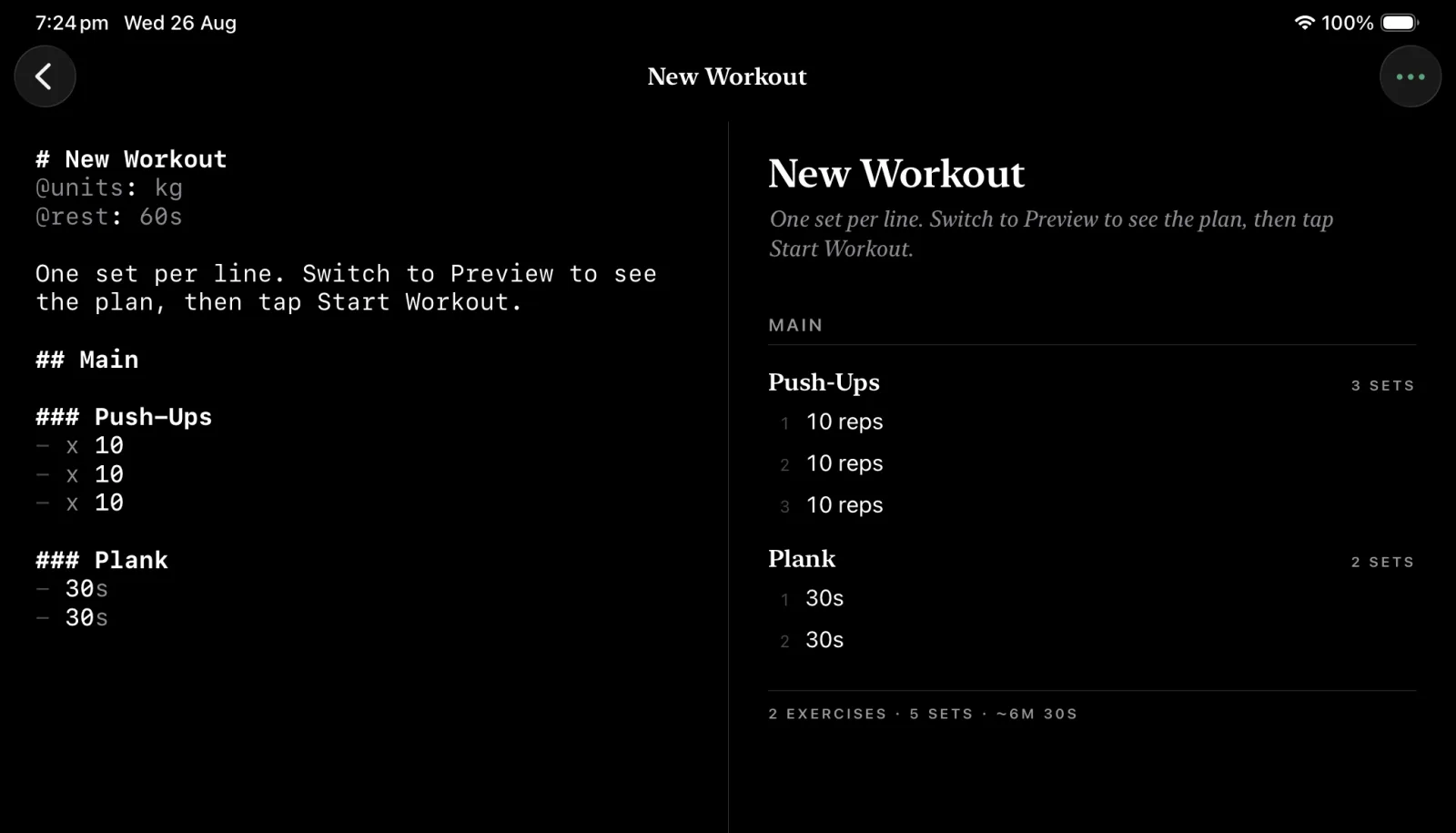
Simply Train on iPad: the markdown editor filling the left half of the screen and the live rendered plan on the right, divided by a single hairline.Simply Train on iPad: the markdown editor filling the left half of the screen and the live rendered plan on the right, divided by a single hairline.
iPad

On the Mac it is the same document in a real window, with a real keyboard — which is where writing a long plan actually belongs. And while a session runs it mirrors into the Dynamic Island and onto the Lock Screen, so the countdown is there without unlocking anything. Siri and Shortcuts can open or start a workout by name.

What it doesn’t do


Data not collected.

That is the App Store privacy label, and it is a description of the architecture rather than a promise about it: there is no account system, no analytics SDK, and no server for anything to be sent to. It works offline because there is nothing for it to be online for.

Most of this list isn’t a roadmap gap. It is the product.

An account
There is nothing to sign in to
A subscription
No paywall, no tiers, no trial
Analytics
No SDK, no telemetry, no events
A server
The app makes no network calls of its own
Cloud AI
Drafting runs on the device or not at all
Workout history
The summary is shown, then discarded
Charts and streaks
Your watch already has them
HealthKit
Nothing is read, nothing is written
A social feed
No profiles, no sharing, no leaderboard

2 taps

No account to make, nothing to subscribe to, no onboarding to sit through. It opens on your workouts, with a sample already in there.

Download Simply Train on the App StoreDownload Simply Train on the App Store

Built for iPhone and Watch · iPad · Mac